Branding is not a decoration or something to fix after product-market fit. Your homepage, your demo form, your invoice, and your email signature are all making promises about how serious you are, and buyers are reading them long before they read your pitch.
Branding is easier than you think, if done correctly, and here’s the fact…
Consistent branding across every touchpoint earns up to 33 percent more revenue than those that do not. That’s a true study by PR NewsWire!
The only difference is that one looks like it has its act together and the other looks like it is still figuring things out.
That number should stop you cold, because most startups are firmly in the second group and do not know it.
Here is why it happens. A visitor decides whether your company looks credible in about 50 milliseconds, faster than a blink, and that judgment sets the tone for everything after it. When Stanford researchers asked people why they trusted or distrusted a website, nearly half named the way it looked before anything else: the layout, the color, the type, whether it felt deliberate. Your product never gets a fair hearing if your brand loses the first half-second.
The right stack of tools lets a two-person startup look like it has a design team. This guide cuts the list to 11 branding tools for startups that actually earn a place in a lean stack. You don’t have to buy all 11 on a Monday morning.
The Four Jobs Branding Tools Do
- Strategy: Documenting your positioning, audience, and messaging before anyone opens a design file.
- Creation: Building the logo, palette, type system, templates, and assets themselves.
- Distribution: Getting approved assets into the hands of everyone who needs them, fast.
- Consistency: Making sure the fifth person to touch your brand does not quietly break it.
Most startups buy tools for job two and skip the other three. That is exactly why their branding drifts by month nine.
How We Picked the Best Branding Tools for Startups
A tool built for a 500-person brand team is usually wrong for a five-person startup. Enterprise platforms assume dedicated brand managers, long rollouts, and a budget you do not have. So every pick here had to clear four filters:
- Speed to value. If it takes three months to deploy, it is wrong for your stage.
- Low adoption friction. Non-designers on your team have to be able to use it without training.
- A real free tier or a fair entry price. No five-figure minimums.
- Room to scale. You should not have to rip it out at Series A.
Note: You do not need all 11. You need three or four that match the problems you have right now.
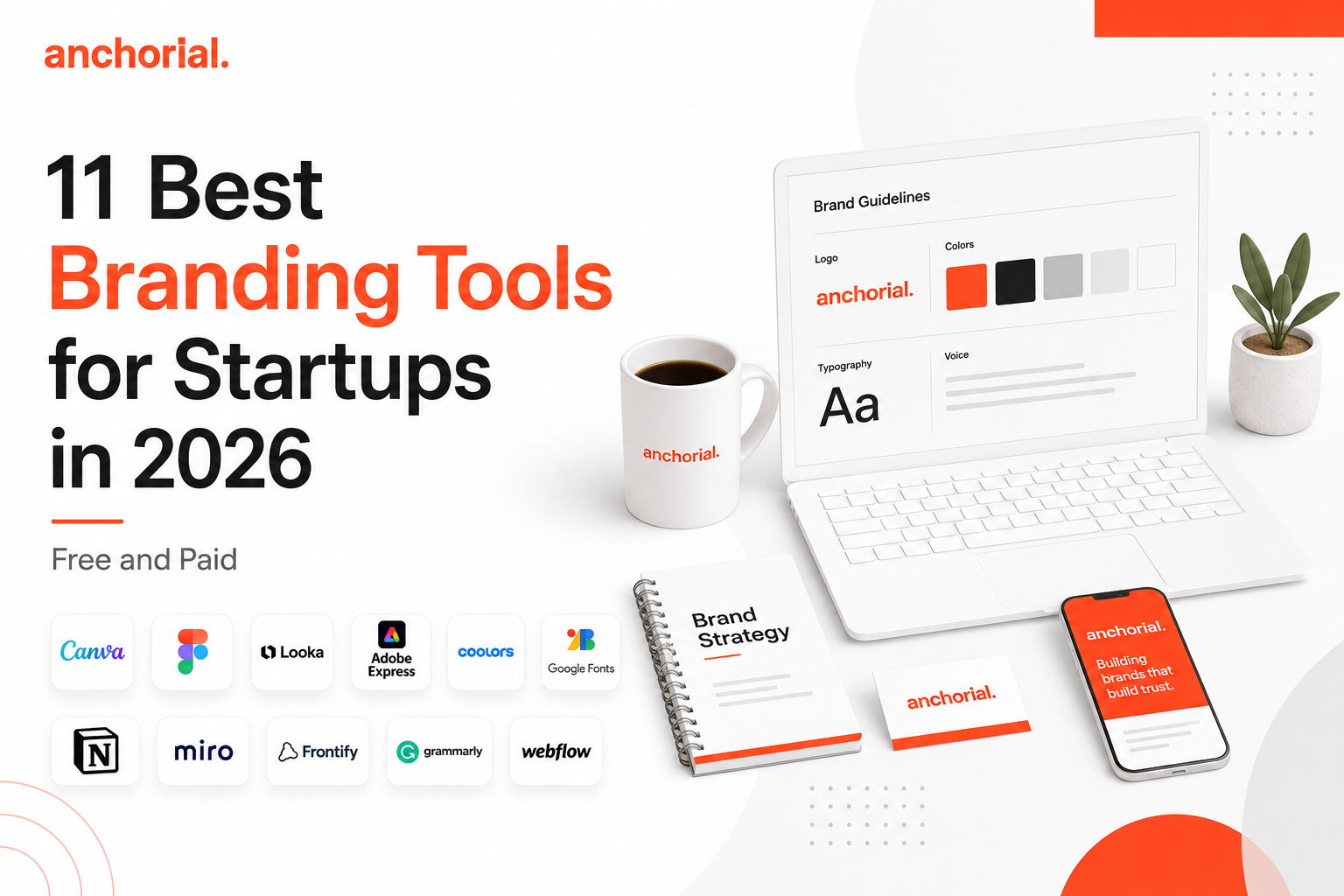
11 Best Branding Tools for Startups in 2026
Now the details. Each entry covers what it does, what it costs, where it wins, and where it lets you down.
1. Canva: Best All-in-One Branding Tool for Startups
Canva is a drag-and-drop design platform that lets non-designers produce on-brand graphics, decks, and social posts from templates, which keeps everything your team ships looking consistent without a designer in the loop.
Your sales lead needs a one-pager this afternoon. Your marketer needs eight social posts by Friday. Canva gets that done, and the old stigma around it in design circles is not worth your time.
Key Features
- Brand Kit with locked logos, palettes, and fonts
- Over a million templates for social, decks, print, and video
- Magic Studio AI tools for background removal, resizing, and generation
- Team approvals and template locking on Business plans
Pricing
- Free: a genuinely usable tier with one limited brand kit and 5GB storage
- Pro: roughly $15 per month, or cheaper when billed annually, with expanded brand kits
- Business: roughly $20 to $25 per user per month with brand controls and approvals
Pros
- Almost zero learning curve, so adoption is instant across the team.
- One subscription covers social, decks, print, and video.
Cons
- AI credits are capped per plan, and failed generations still burn them.
- Per-seat pricing adds up fast once your team grows.
Verdict: If you install one tool from this list, make it this one. Canva is the highest leverage of all the branding tools for startup teams with no in-house designer.
2. Figma: Best Branding Tool for Product-Led Startups
Figma is a collaborative interface design tool where teams build and maintain a design system: the components, colors, and type rules that keep your product looking like one coherent brand across every screen.
If you are building software, your brand is not just your logo. It is your empty states, your button radius, your error messages, and your onboarding flow, and Figma is where all of that lives.
Key Features
- Components, variables, and shared libraries for a real design system
- Real-time multiplayer editing and inline commenting
- Dev Mode so engineers can inspect specs and pull code snippets
- FigJam whiteboards for brand and positioning sessions
Pricing
- Starter: free, with limits on files per team and two editors
- Professional: from $16 per full seat per month, billed annually, around $20 monthly
- Collab seats are from about $3, and Dev seats from about $12 per month
Pros
- The seat model means stakeholders and devs cost far less than designers.
- Design systems built here scale from seed to Series B without a rebuild.
Cons
- Steep learning curve for anyone who is not a designer.
- Wrong tool for print, and clumsy for quick social graphics.
Verdict: Essential if you ship software. Skippable if your brand lives mostly on social and slides.
3. Looka: Best AI Logo and Brand Kit Generator
Looka is an AI logo and brand kit generator that turns your company name and a few style choices into a usable logo plus matching assets in minutes, giving pre-seed founders a credible identity fast and cheap.
You need a logo, you do not have $8,000 or six weeks, and this is the honest answer to that. You refine what you like and only pay when you download.
Key Features
- AI logo generation from name, industry, and style inputs
- Brand Kit with 300 plus branded templates
- Auto-generated brand guideline document
- Unlimited post-purchase logo edits
Pricing
- Free to design and preview as many logos as you want
- Basic Logo: $20 one-time for a single PNG file
- Premium Logo: $65 one-time for vector files and full ownership
Pros
- Pro. Fastest path from nothing to a usable identity, measured in hours.
- Pro. The $65 premium package is a fraction of freelance pricing.
Cons
- Con. The $20 tier is PNG only and effectively unusable for business.
- Con. Design elements are non-exclusive, so lookalikes are possible.
Verdict: The best starting point for a founder looking to appear legitimate before the first sales call. Skip the $20 tier and budget a $65 minimum.
4. Adobe Express: Best Free Branding Tool for Social Content
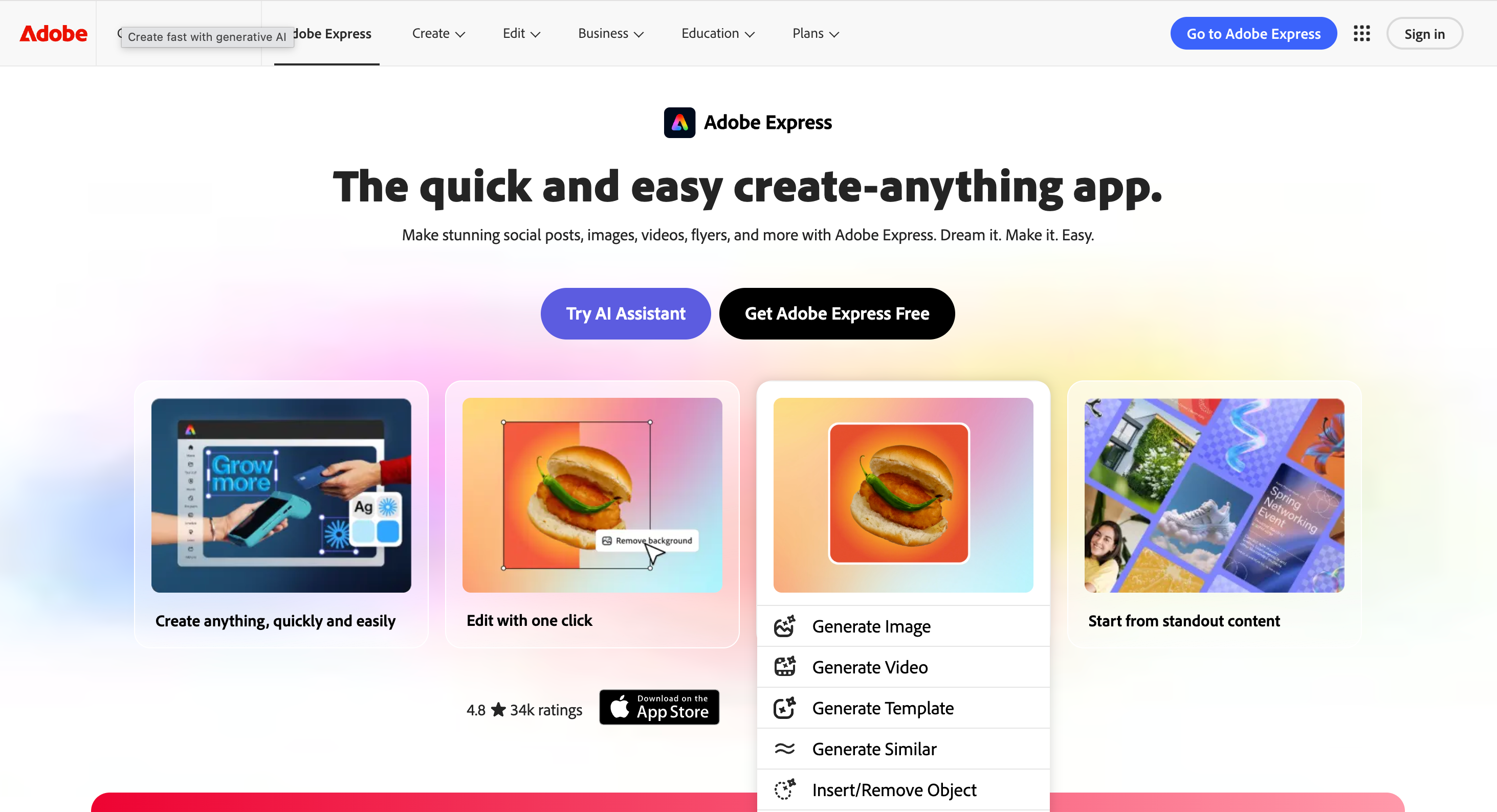
Adobe Express is a browser-based design tool with templates and Firefly AI built in, made for producing high-volume on-brand social and video content quickly.
The real pull for startups is that its Firefly models are trained to be commercially safe, which matters the moment you put an AI-generated visual on a paid ad.
Key Features
- Firefly AI for text-to-image, generative fill, and text effects
- Brand kits with saved logos, colors, and fonts
- Templates sized for every major social platform
- Quick video editing, trimming, and captioning
Pricing
- Free plan with templates, basic AI, and standard editing
- Premium: around $10 per month for the full template and AI library
- Teams: roughly $5 to $8 per license per month on annual plans
Pros
- Commercially safe AI generation reduces legal risk on paid campaigns.
- Per-seat cost is often lower than the obvious alternative.
Cons
- Smaller template library than Canva.
- Brand governance features are thinner than those of Canva Business.
Verdict: A strong second design tool, and a genuinely good first one if your output is mostly social and video.
5. Coolors: Best Free Tool for Building a Brand Color Palette
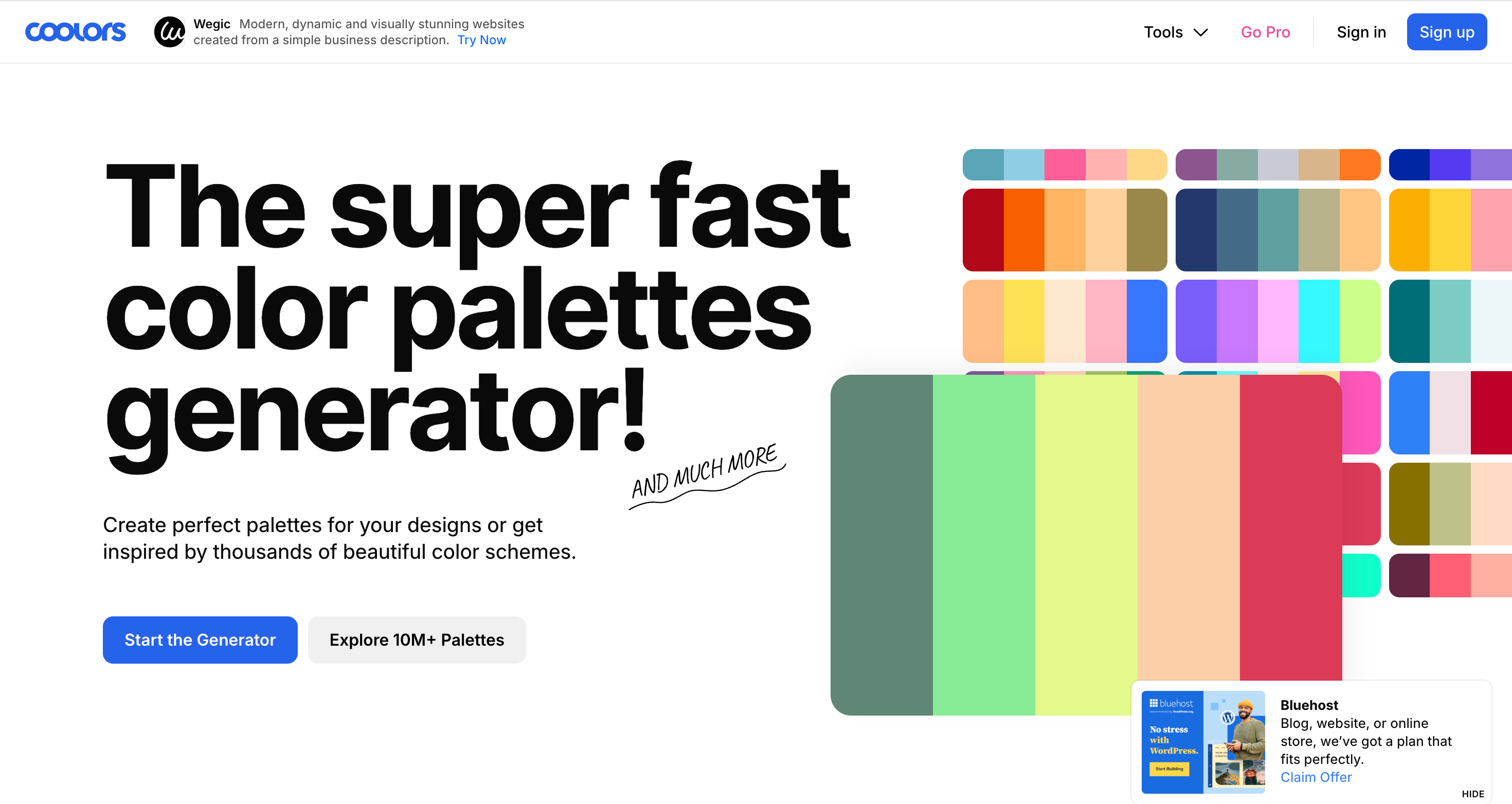
Coolors is a color palette generator that helps founders build and test a full brand color scheme in about ten minutes, with hex codes, accessibility checks, and export files included.
Color is the fastest way to look either credible or amateur, and this stops you picking yours from a mood board at midnight.
Key Features
- Instant palette generator with lock and regenerate
- Contrast and accessibility checker against WCAG standards
- Color blindness simulator
- Export to PDF, SVG, CSS, SCSS, and design tools
Pricing
- Free: full generator with ads
- Pro: around $5 per month, ad-free with unlimited saved palettes
- One-time lifetime purchase options are periodically available
Pros
- Costs nothing and takes minutes to learn.
- Accessibility checks catch problems before they ship.
Cons
- Only solves color, so it is one small piece of the stack.
- The free version is ad-heavy.
Verdict: Free, fast, and it prevents a mistake that is expensive to undo later. Use it on day one.
6. Google Fonts: Best Free Typography for Startup Branding
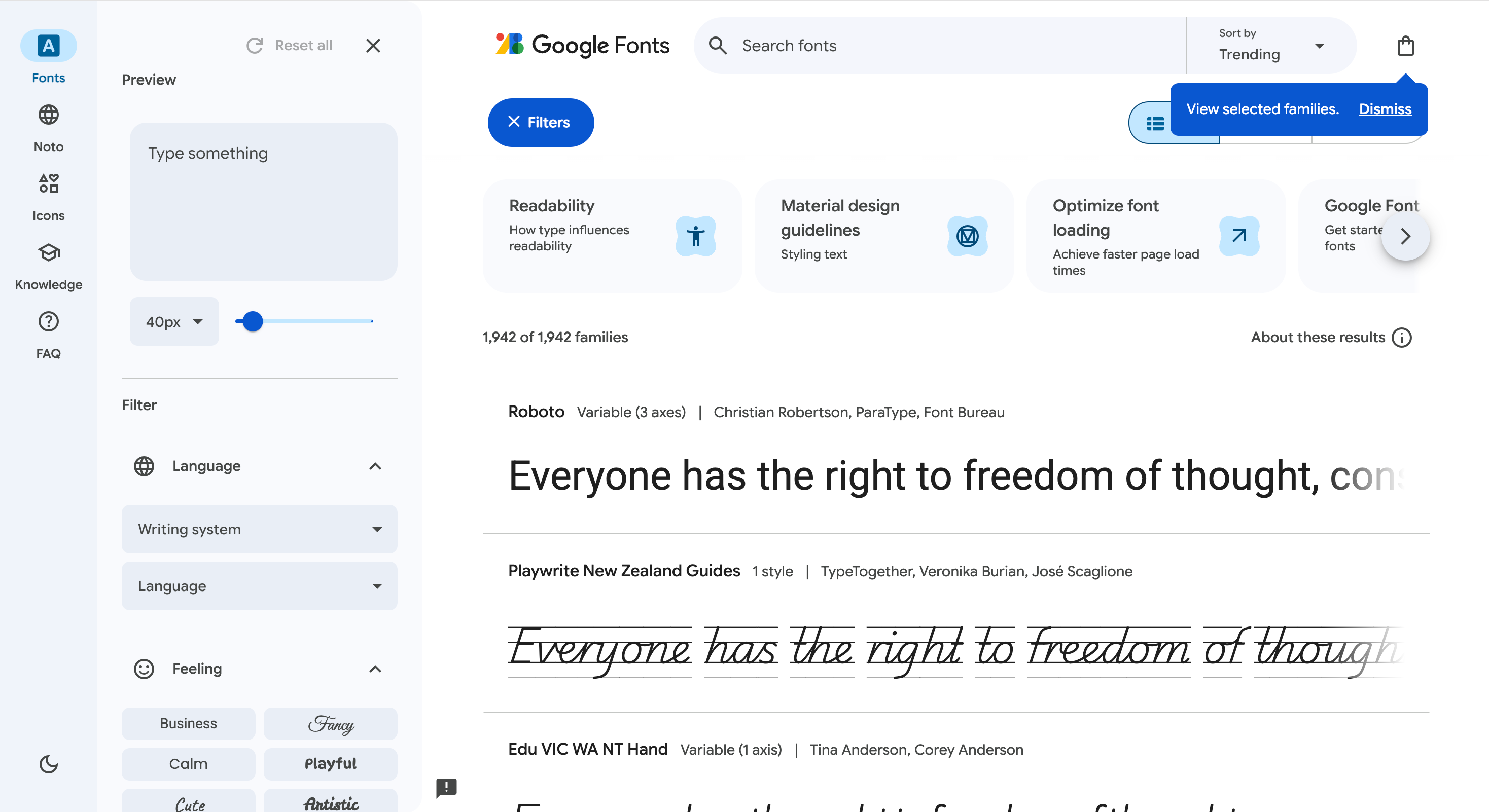
Google Fonts is a free, open-source library of over 1,500 typefaces you can use commercially anywhere, giving your brand a professional and consistent typography system with no licensing costs or paperwork.
Typography does more for perceived quality than your logo does, and this is where startups quietly stop bleeding money on licenses they do not need.
Key Features
- Over 1,500 open-source font families
- Free for commercial use with no licensing paperwork
- Self-hosting or CDN delivery for speed control
- Variable fonts that cut page weight
Pricing
- Free, permanently, for every use case
Pros
- Zero licensing risk when you hand files to contractors.
- Works in Figma, Canva, Webflow, and Google Docs out of the box.
Cons
- Popular families like Inter are everywhere, so you will not stand out on type alone.
- Quality varies across the long tail of the library.
Verdict: Free, unlimited, and better than most startups need. There is no argument for paying at your stage.
7. Notion: Best Tool for Startup Brand Strategy & Guidelines
Notion is a flexible docs and wiki workspace where startups write and store their brand strategy, positioning, and guidelines, so the thinking behind your brand lives somewhere the whole team can find it.
Strong branding is fundamentally about clarity: showing people exactly what you do and who it is for. If you cannot write that in a paragraph, no logo will save you.
Key Features
- Flexible docs, databases, and wikis in one workspace
- Ready-made brand strategy and style guide templates
- Comments and mentions for async alignment
- Version history so you can see how positioning evolved
Pricing
- Free: unlimited pages for individuals and small teams
- Plus: around $10 per user per month, billed annually
- Business: around $18 to $20 per user per month
Pros
- The free tier covers a small team indefinitely.
- Your brand hub sits next to the docs your team already opens daily.
Cons
- It stores guidelines; it does not enforce them.
- Easy to overstructure and end up with a wiki nobody reads.
Verdict: Cheap, fast, and it fixes the layer most startups skip. Set it up before you open a design file.
8. Miro: Best Tool for Startup Positioning Workshops
Miro is an infinite online whiteboard built for team workshops, and for branding, it is where you map positioning, build personas, and settle the disagreements about who you serve and what you promise before any of it reaches a design tool.
Most branding arguments are not about design. They are about unresolved questions this makes visible in ten minutes rather than ten months.
Key Features
- Infinite canvas with sticky notes, frames, and connectors
- Templates for positioning maps, personas, and brand workshops
- Dot voting, timers, and facilitation tools
- Real-time and async collaboration
Pricing
- Free: three editable boards, unlimited team members
- Starter: around $8 per member per month, billed annually
- Business: around $16 per member per month
Pros
- Turns vague brand debates into visible, resolvable decisions.
- The free tier is enough for occasional workshops.
Cons
- Three board limit on free hits fast if you use it seriously.
- Large boards get slow and messy.
Verdict: Worth it for the workshop phase. Run your session, export the output into Notion, and move on.
9. Frontify: Best Brand Management Platform for Scaling Startups
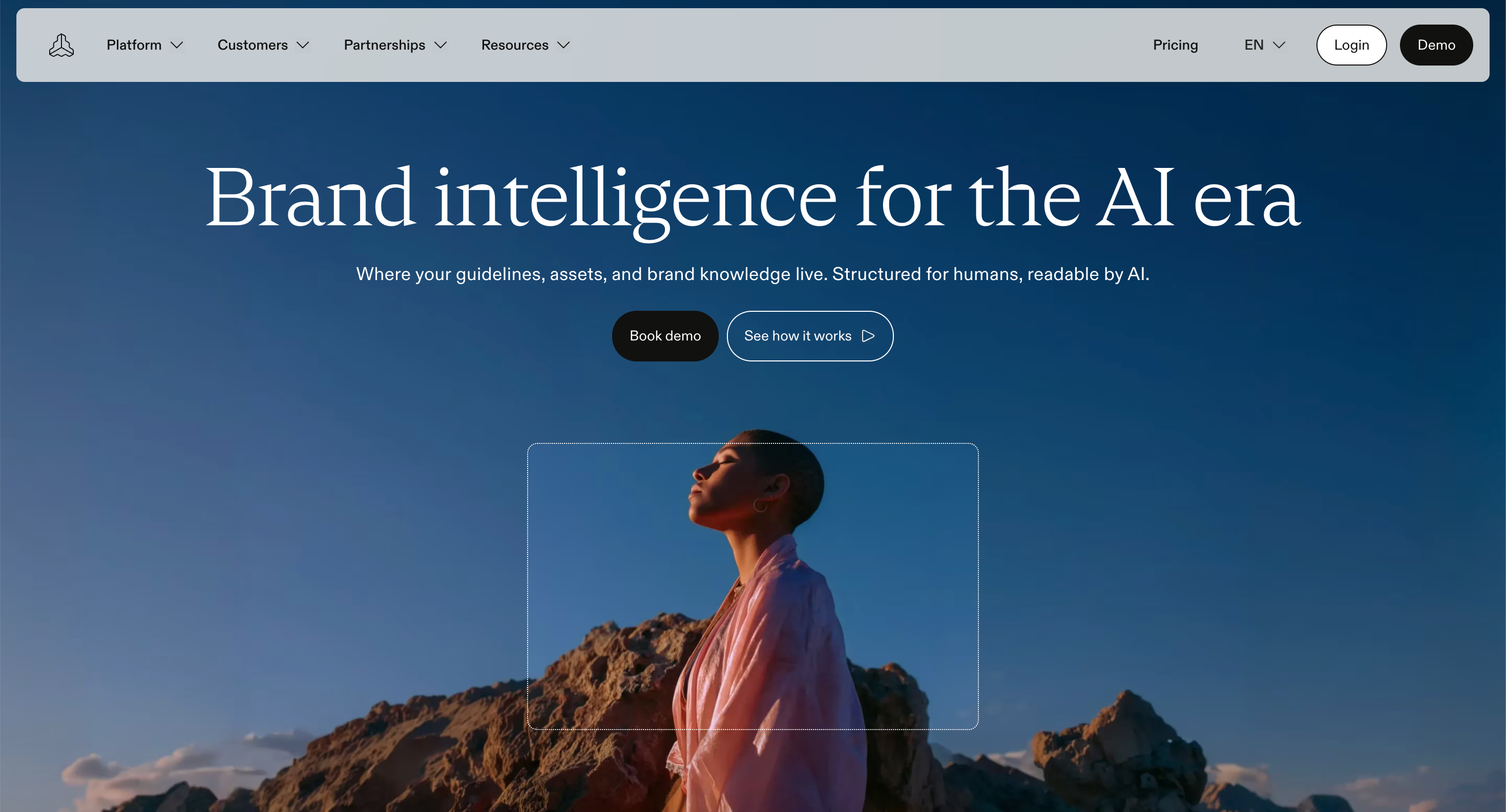
Frontify is a brand management platform that centralizes your guidelines and assets in one place, so a scaling team always pulls the current logo, colors, and templates instead of hunting through a messy Drive folder.
You will know when you need it. Someone uses last year's logo in a webinar, or three people send three different press kits.
Key Features
- Living brand guidelines that update everywhere at once
- Digital asset management with search, tagging, and permissions
- Locked templates for teams and external partners
- Approval workflows and version control
Pricing
- No permanent free tier, though trials and demos are available
- Paid plans are quote-based and typically land in the mid-four figures per year
- Pricing scales with users, brands, and storage
Pros
- One source of truth ends the "which logo is current" question forever.
- External partners get access without getting your whole Drive
Cons.
- Expensive and hard to justify pre-Series A.
- Quote-based pricing means no quick self-serve start.
Verdict: Skip this at seed. Revisit the moment asset chaos starts costing your team real hours.
10. Grammarly: Best Tool for Consistent Brand Voice
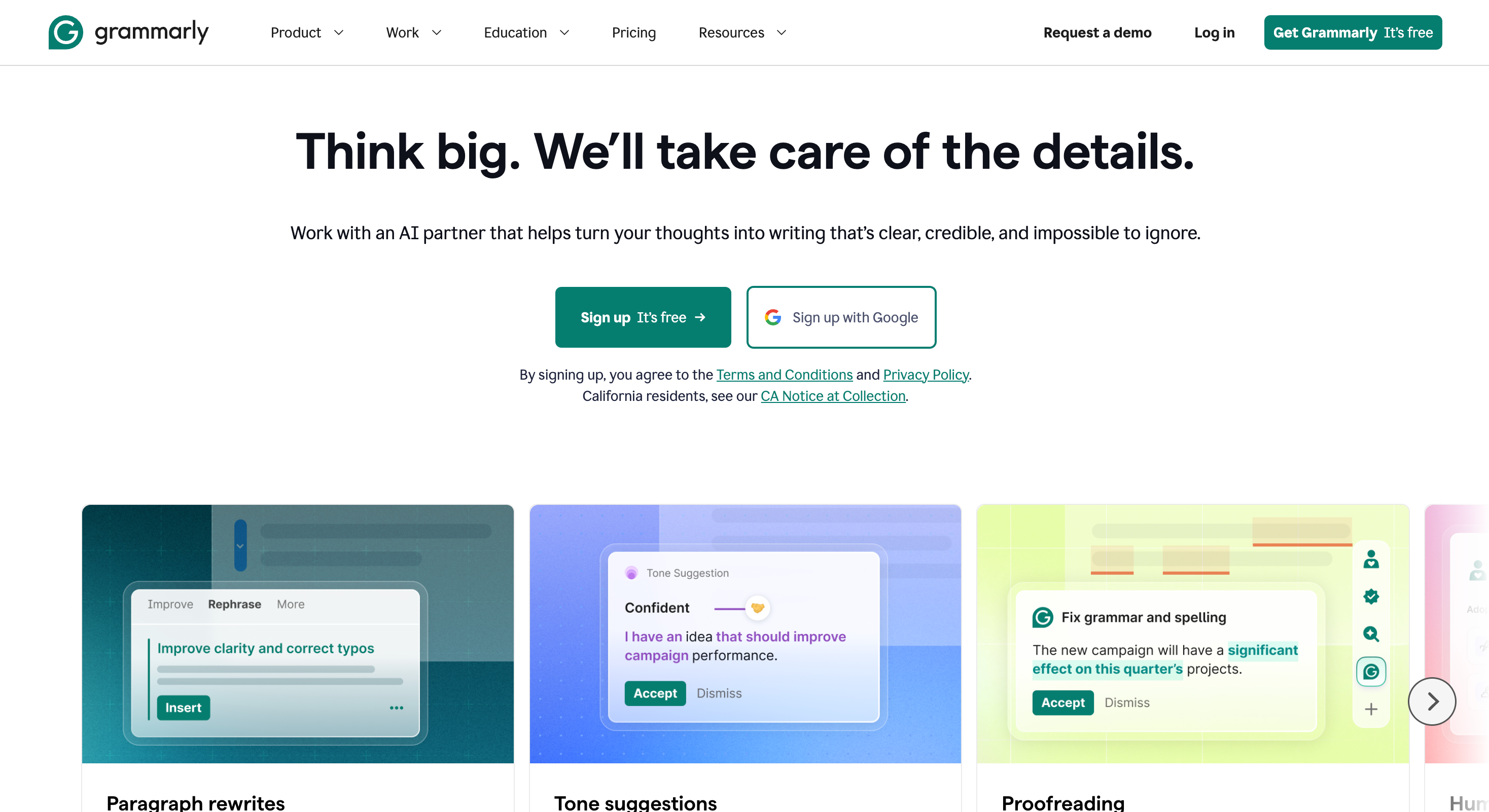
Grammarly is a writing assistant that checks tone and enforces a custom style guide as people type, keeping your brand voice consistent across everyone who writes customer-facing copy.
Your voice usually breaks before your visual identity does; it is just harder to notice when your founder writes sharp and short, your marketer writes long and warm, and support writes apologetic corporate.
Key Features
- Custom style guide with approved and banned terms
- Tone detection and adjustment suggestions
- Works inside Gmail, Docs, Slack, and most CMS editors
- Team analytics on writing consistency
Pricing
- Free: basic grammar and spelling checks
- Pro: around $12 per month, billed annually
- Business: around $15 per user per month, usually with a seat minimum
Pros
- Enforces voice at the point of writing instead of in review.
- No behavior change needed, since it lives where people already type.
Cons
- The style guide feature needs a paid Business plan.
- Suggestions can flatten deliberately distinctive writing.
Verdict: Underrated. If your written voice is inconsistent, this fixes it more cheaply than hiring an editor.
11. Webflow: Best Tool for a Brand Site You Control
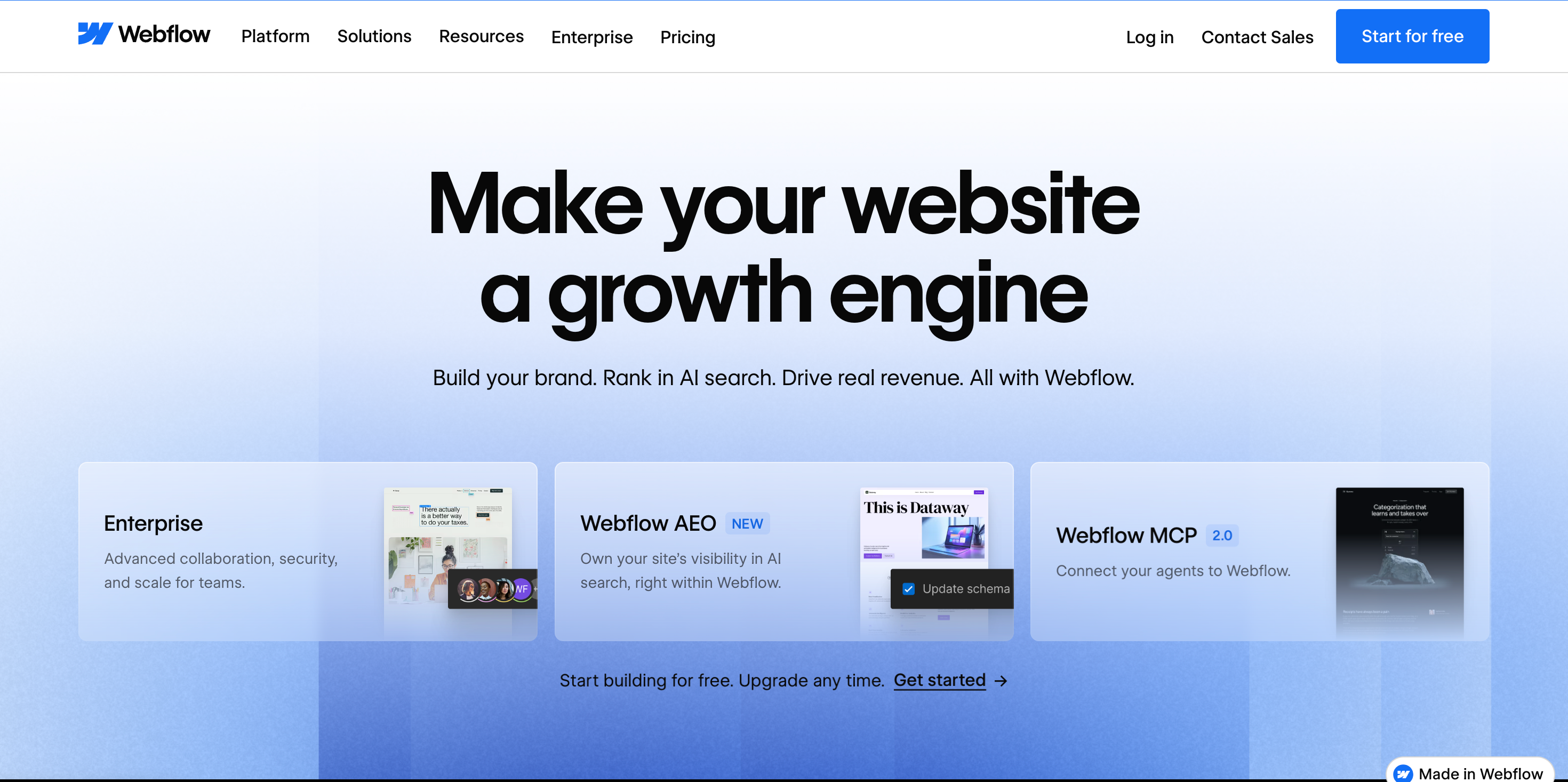
Webflow is a visual website builder that lets your marketing team design, edit, and publish your brand site without engineering, so your single biggest branding asset stays current instead of rotting in the backlog.
Your positioning shifts and your messaging sharpens, but the homepage still says what you said eighteen months ago. This is how you fix that.
Key Features
- Visual builder with genuine CSS-level control
- CMS collections for blogs, case studies, and changelogs
- Built-in hosting, SSL, and a global CDN
- Clean semantic markup and good Core Web Vitals defaults
Pricing
- Free: build and preview on a webflow.io subdomain
- Basic site plan: around $14 per month, billed annually
- CMS site plan: around $23 per month, needed for a blog
Pros
- Marketing ships pages without engineering time.
- Fast, clean output helps both brand perception and SEO.
Cons
- The learning curve is real for anyone with no CSS instinct.
- Site plans plus workspace seats add up in ways the sticker price hides.
Verdict: The right call if your site is a growth channel and your engineers are busy. Overkill if you just need a landing page.
Best Branding Tools for Startups Comparison
Pricing is accurate at the time of writing and changes often, so check the vendor page before you commit.
Key Takeaways
- Strategy before design. Notion and Miro come before Canva and Figma.
- Free tools do most of the early work. Coolors, Google Fonts, and Canva Free cover a seed-stage brand.
- Pay for enforcement, not creation. Brand controls and voice rules are what protect consistency at scale.
- Frontify and Webflow are stage-dependent. Buy them when the pain is real, not before.
- The best branding tools for startups are the ones your team keeps using without being told.
Free vs Paid Branding Tools: What Should You Actually Pay For?
You can build a credible startup brand for zero dollars. Plenty of companies have Canva Free, Google Fonts, Coolors, Notion Free, and Figma Starter that give you a logo, a palette, a type system, a documented strategy, and templates.
So what should you actually pay for?
Pay When You Hit a Wall, Not Before
- Brand controls when a third person starts making assets, and you cannot review everything.
- Vector files the second you need to print anything or scale a logo above a favicon.
- Seats and storage when people start emailing files to each other.
- Governance when someone has already used the wrong logo in front of a customer.
Notice what is not on that list: paying because a paid plan feels more serious. It does not make your brand better. It just makes your burn worse.
What Free Branding Tools Cannot Do?
- Enforcement: Free plans store your rules. They do not stop people from breaking them.
- Ownership: Free logo tools rarely give you vector files or full commercial rights.
- Scale: Free tiers cap seats, boards, and files right when your team gets useful.
If none of those three is hurting you today, stay free.
How to Build Your Startup Branding Stack in Three Phases
Do not adopt all of these at once. It will paralyze your team. Staggered rollouts drive higher long-term adoption than big-bang launches, because people learn the reasoning before they learn the buttons.
Phase 1: Pre-Seed to Seed (Weeks 1 to 4)
Your goal is a credible identity and a written strategy. Nothing more.
- Write your positioning, ICP, and messaging in Notion
- Run one alignment workshop in Miro if you have co-founders
- Build your palette in Coolors and check contrast
- Pick two families from Google Fonts
- Generate your logo in Looka, or design it in Figma if you have the skill
- Set up a Brand Kit in Canva Free and build five core templates
Total cost: roughly $65 for logo vector files. That is it.
Phase 2: Seed to Series A (Months 2 to 12)
Your goal is consistency as headcount grows past five.
- Upgrade to Canva Pro or Business for brand controls and template locking
- Move your marketing site to Webflow so it stops blocking on engineering
- Add Adobe Express if your social and video volume is high
- Formalize your design system in Figma with components and variables
- Add Grammarly Business once more than three people write customer-facing copy
Phase 3: Series A and Beyond
Your goal is governance. You now have enough people to break things faster than you can fix them.
- Roll out Frontify to centralize guidelines and assets
- Move Figma to the Organization for shared libraries across teams
- Give external partners scoped access instead of raw Drive folders
Review this every quarter. Ask your team where the friction is. If someone rebuilt an asset that already existed, your distribution layer is broken, not your people.
Marketing Tools for Startup Brands That Pair Well With This Stack
Branding tools build the identity. Marketing tools put it in front of people. A few worth pairing with your stack:
- HubSpot Free. CRM plus free tools for email templates and landing pages, so your brand shows up consistently in the funnel.
- Buffer or Hootsuite. Scheduling so your visual identity ships on a consistent cadence instead of in panic bursts.
- Ahrefs or Semrush. Keyword and competitor research, so the content carrying your brand actually gets found.
- Loom. Fast branded video for demos and updates without a production budget.
One caution on marketing tools for startup teams: every new platform is another place your brand can drift. Load your brand kit into each one on day one, not month six.
4 Startup Branding Mistakes These Tools Will Not Fix
Tools are leverage. They multiply what you already have. If what you have is unclear, they multiply confusion.
Mistake 1: Designing Before You Position
If you cannot say what you do and who it is for in one sentence, stop opening design files. Go back to Notion. No palette fixes a positioning problem.
Mistake 2: Trying to Look Like an Enterprise on Day One
Founders copy the visual language of companies twenty times their size and end up looking like a smaller version of them. Authenticity beats corporate stiffness at your stage. Build something true to where you are.
Mistake 3: Locking Everything Down Too Early
Rigid rules in year one stop your team from testing ideas. You do not know what your brand is yet. Set the core, leave the edges flexible, tighten as evidence comes in.
Mistake 4: Buying Tools Nobody Adopts
The best startup branding stack is the one your team does not work around. If a tool makes a simple task harder, people go back to Slack DMs and desktop folders. Watch what people actually open. That tells you more than any feature comparison.
FAQs
What are the best branding tools for startups on a zero budget?
Canva Free, Google Fonts, Coolors, Notion Free, and Figma Starter. Together they cover strategy, palette, typography, logo design, and templates without a single invoice. The only thing you will likely need to pay for is vector logo files, which run around $65 through a tool like Looka.
How much should a startup spend on branding tools?
At pre-seed, close to nothing beyond one-time logo files. From seed to Series A, most lean teams land between $50 and $200 per month across design, site, and voice tools. Past Series A, brand management platforms push that into the low thousands per year. Spend when a limit costs you time, not because the paid tier looks more professional.
Do I need a designer if I use these branding tools?
For the first year, usually not. These tools get non-designers to a credible result. What they cannot give you is judgment. Once your brand becomes a competitive asset, usually around Series A, bring in a designer to set the system, then let the tools distribute it.
Is an AI-generated logo good enough for a startup?
For most early-stage companies, yes. It gets you credible in an afternoon for the price of a dinner. The limitation is exclusivity: AI logo makers pull icons from shared libraries, so your mark is not defensible. If your visual identity is core to your moat, or you plan to trademark, work with a designer and a trademark attorney.
How often should a startup update its branding stack?
Only when something is breaking in the workflow. If your team is rebuilding assets that already exist or rewriting copy to fix tone, that is your signal. Otherwise, leave it alone. Tool churn costs more than the tools do.
How do I keep branding consistent across a remote team?
Three things, in order. Document the standard somewhere everyone already looks. Lock templates so the default is on brand. Enforce voice at the point of writing rather than in review. Consistency is a system, not a reminder in a Slack channel.
Things to Remember Before You Go
- Your brand is a trust system, not a decoration. Judge every tool by whether it protects trust.
- You need three or four tools right now, not eleven.
- Free covers more than you think at seed stage. Pay only when a limit costs you real hours.
- The tool your team ignores is worse than no tool. Watch adoption, not features.
Final Thoughts
Almost every founder who says "we need to fix our brand" means "five people are making things and none of them match." A better logo does not solve that. A documented standard does, plus tools that make the on-brand choice the easy choice.
The best branding tools for startups are not the ones with the most features. They are the ones your team still opens six months from now, when nobody is watching, and the pressure is on. Pick for that.
Now go open your website and your last deck side by side. You already know what you will find.